280ms
Zoom over your Photos
A small, fast, cross-platform native photo viewer built in Go. Open any folder and glide through photos instantly.
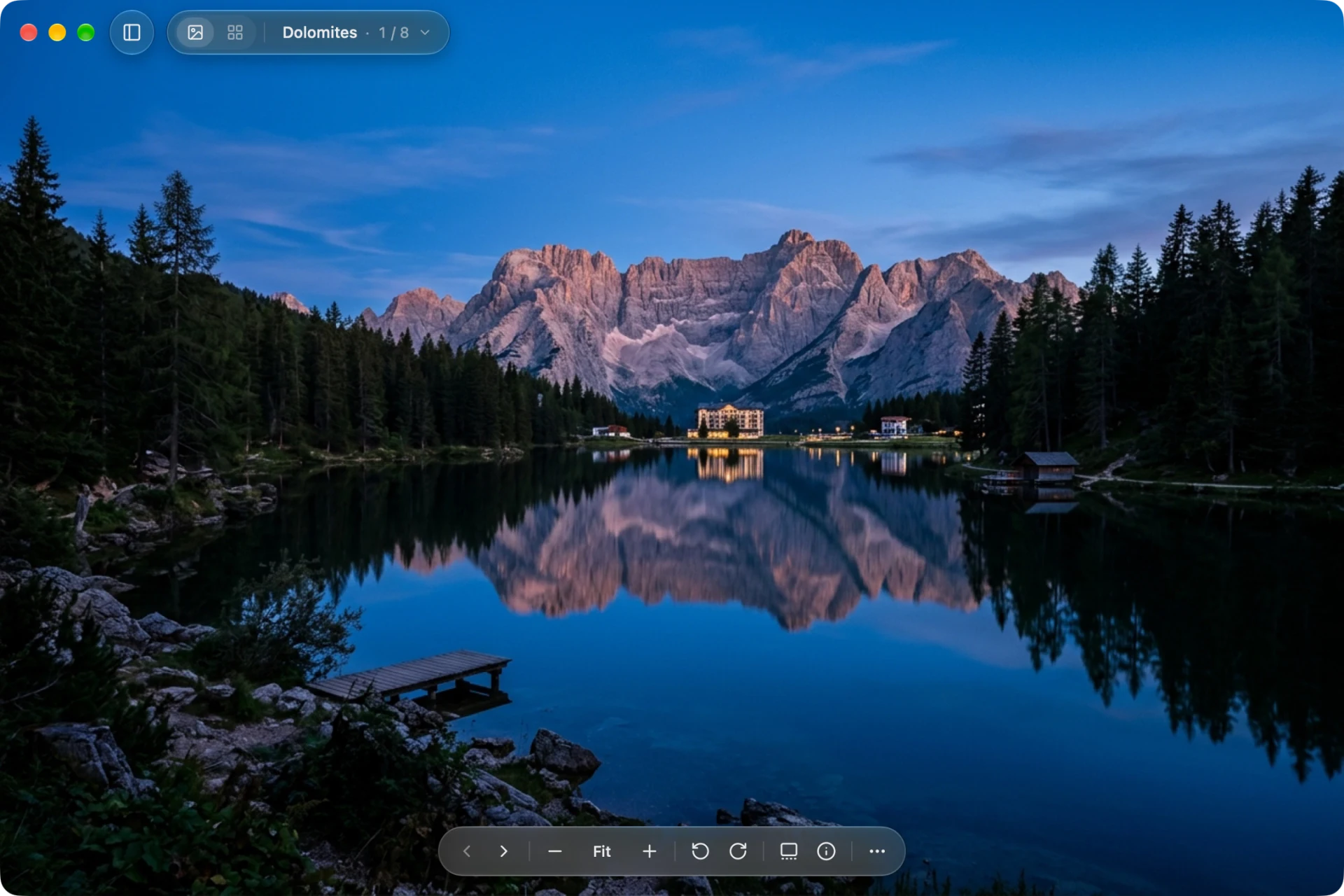
Quiet until you ask.
Start with the photograph alone. Pull in folders, EXIF details, a contact sheet, or a filmstrip whenever a shoot calls for it.
Auto-hiding floating HUD. Navigation and photo tools appear on pointer motion and fade away after two seconds of stillness.
0 1 F
Built to feel instant.
Measured on Apple silicon with 24-megapixel JPEGs. Powered by NSGo, running Go directly on native OS views.
<16ms
Next photo step
0.03%
Idle CPU
6.4MB
Installer size
Everything a viewer needs. Nothing it does not.
No library import, no sidecar catalog, no cloud sync. Point Pica at any folder and start looking.
Native decoding and wide color
Decodes JPEG, PNG, HEIC, AVIF, WebP, TIFF, PSD, SVG, and animated GIF, WebP, and APNG with native decoders. Honors EXIF orientation and embedded ICC color profiles.
Display P3
Adobe RGB
ProPhoto RGB
HEIC / AVIF
Animated WebP & GIF
Instant Camera RAW previews
Opens RAW files at once using the camera's embedded JPEG preview or native decoders, with zero wait for full demosaicing.
CR2
CR3
NEF
ARW
RAF
ORF
RW2
DNG
Quick Start Guide
Install in seconds, set Pica as your default photo viewer, and learn the core shortcuts.
Cross-platform native
Built in Go with native views for each OS. Signed and notarized for macOS Apple silicon today, with a Windows x64 preview installer on GitHub Releases.
01
Install Pica
Download the signed disk image from GitHub Releases and drag Pica into Applications, or run the one-line installer in Terminal.
curl -fsSL https://github.com/jiaz/pica/releases/latest/download/install.sh | sh
Prefer a manual download? Grab the latest .dmg directly from GitHub Releases.
02
Open photos or make it your default
Double-click any photo in Finder, drag a folder onto the Pica Dock icon, or launch directly from Terminal.
open -a Pica ~/Pictures
Set as default viewer: Right-click a photo in Finder, choose Get Info (⌘ I), pick Pica under Open with, and click Change All.
03
Move through folders effortlessly
Every action also lives in the auto-hiding floating pills and right-click menu. When you are ready for speed, these keys cover almost everything.
Navigate
- Next / Prev photo→←
- Step forwardSpace
- First / LastHomeEnd
- Parent folder⌘↑
- Sibling folder⌘⌥→
View & Zoom
- Fit to window0
- Actual size 100%1
- Zoom in / out+-
- Rotate view[]
- Full screenF
Panels & Actions
- Folders sidebarB
- All Photos gridG
- FilmstripT
- EXIF Info panelI
- Copy / Trash⌘C⌘⌫

Open your next folder in 280 ms.
Free and open source under the MIT License. Native builds for macOS and Windows.